I remember sitting on my floor a few years ago, surrounded by half-unboxed smart plugs, a voice assistant that wouldn’t stop chirping, and a tangle of charging cables that looked more like a bird’s nest than a setup. I had spent way too much money trying to build what I thought was a “cutting-edge” space, but all I ended up with was a house that felt more like a complicated science experiment than a home. Most people think that learning how to choose tech for your home means buying every shiny new gadget that hits the market, but let me tell you: more tech often just means more headaches.
I’m not here to sell you on the latest overhyped ecosystem or convince you that you need a smart toaster to be productive. My goal is to help you cut through the marketing noise and find tools that actually serve your lifestyle without draining your bank account or your patience. I’ll be sharing my honest, no-nonsense approach to evaluating gadgets based on real-world usability and long-term value. Let’s figure out how to make your space work for you, rather than you working for your devices.
Table of Contents
Mastering Smart Home Ecosystem Compatibility
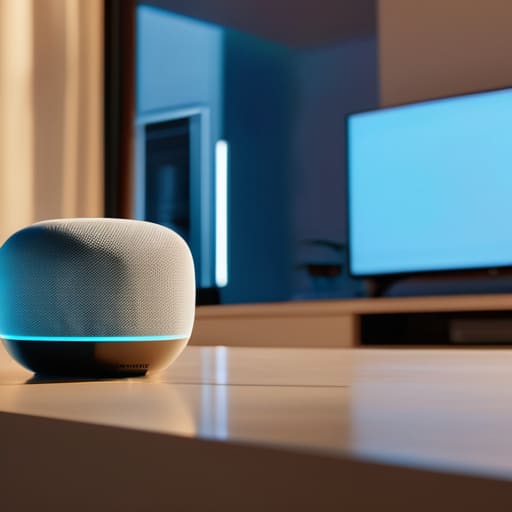
Once you’ve started picking out individual gadgets, you’ll hit a crossroads: do you go with Apple, Google, Amazon, or something else? This is where smart home ecosystem compatibility becomes your best friend—or your biggest headache. I’ve seen so many people buy a brilliant smart lightbulb only to realize it won’t talk to their existing smart speaker. It’s incredibly frustrating to end up with a collection of “smart” devices that act like they’re living in different universes. My advice? Pick a “brain” for your home first. Whether you’re a die-hard iOS user or prefer the flexibility of Android, choosing a primary platform early on makes integrating smart devices much smoother down the road.
Think of your ecosystem like a well-organized workshop; if your tools don’t fit the same bench, you’re just wasting time. Before you hit “buy” on that next cool piece of tech, take a second to check for labels like “Matter” or “Works with…” This simple habit saves you from the dreaded “app fatigue” where you’re constantly switching between ten different interfaces just to dim the lights.
Smart Home Automation Budget Planning
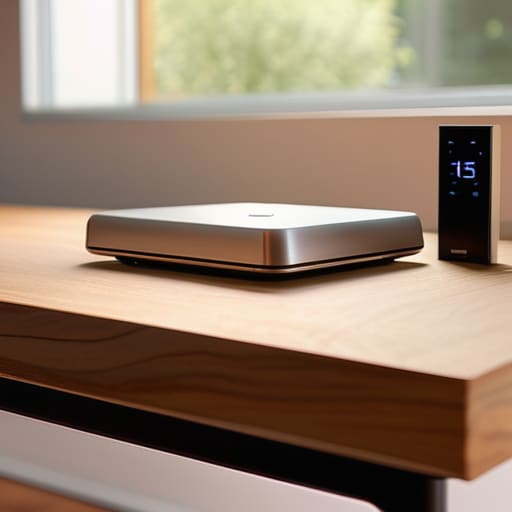
Let’s get real: it is incredibly easy to fall down a rabbit hole of “must-have” gadgets and end up with a credit card bill that looks like a typo. When I’m working on a new woodworking project, I always start with a material list and a budget so I don’t overspend on fancy hardwoods I don’t actually need. I take the exact same approach with home automation budget planning. Instead of buying every shiny new sensor on the market, I suggest starting with a “problem-first” mindset. Ask yourself: “Will this actually save me time or lower my energy bill?” If the answer is no, put it back on the shelf.
My best piece of advice is to phase your rollout. You don’t need to overhaul your entire living room in a single weekend. Start with a few essential smart home gadgets—maybe a smart thermostat or a couple of reliable plugs—and see how they fit into your daily rhythm. This gradual approach keeps your costs manageable and allows you to test integrating smart devices into your current setup without the massive upfront sting. Think of it as building a foundation rather than trying to finish the whole house at once.
My Golden Rules for Picking Tech That Actually Sticks
- Focus on utility over hype. Before you hit “add to cart” on that flashy new gadget, ask yourself: “Will this actually solve a problem in my daily routine, or is it just a cool toy that’ll end up gathering dust in a drawer?”
- Prioritize privacy and security from the jump. Since we’re inviting these devices into our private spaces, take five minutes to check the manufacturer’s data policies. It’s much easier to vet a brand now than to deal with a security headache later.
- Think about the “install fatigue” factor. I’ve learned the hard way that if a device requires a complicated setup or constant troubleshooting, you’ll eventually stop using it. Look for stuff that’s “plug and play” or has a super intuitive interface.
- Don’t forget about the physical space. Just like when I’m upcycling a piece of furniture, you have to consider the dimensions and the aesthetic. There’s no point in having a smart hub that looks like a glowing eyesore on your reclaimed wood bookshelf.
- Build in room for growth. Technology moves fast, so try to pick devices that are modular or can be updated via software. You want a home setup that evolves with you, rather than one that becomes obsolete the moment a new version drops.
Quick Wins for Your Smart Home Journey
Prioritize compatibility over flashy features; stick to ecosystems like Matter or specific platforms you already use to avoid a house full of gadgets that won’t talk to each other.
Start small and scale as you go—it’s much better to nail a single smart lighting setup than to blow your budget on a dozen devices that end up gathering dust.
Focus on “quality of life” tech first, choosing tools that actually solve a daily annoyance rather than just adding another app to your phone.
My Golden Rule for Tech
“At the end of the day, your home shouldn’t feel like a science experiment gone wrong; it should feel like your space. Don’t buy gadgets just because they have cool specs—buy the ones that actually solve a problem or give you ten minutes of your life back every single day.”
Sarah Mitchell
Bringing It All Home
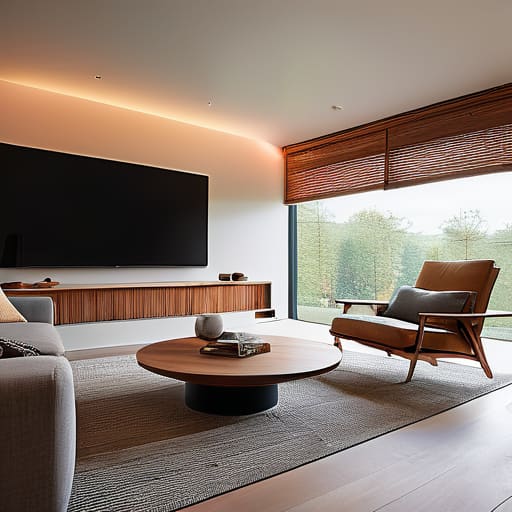
At the end of the day, building a smarter home isn’t about having the most expensive gadgets or the flashiest setup on the block. It’s about making sure your ecosystem actually talks to itself so you aren’t stuck troubleshooting your lights every time you want to watch a movie. Remember to keep a close eye on your budget and, most importantly, prioritize compatibility over hype. If you focus on choosing tools that serve a specific purpose in your daily routine, you’ll avoid the clutter and end up with a space that feels truly integrated rather than just a collection of random, disconnected devices.
I know that staring down a sea of specs and different protocols can feel a little overwhelming, but try to view it as a creative project rather than a technical chore. Think of it like my woodworking—you start with a rough sketch, pick your materials carefully, and slowly build something that lasts. Don’t feel like you have to automate your entire life by next weekend. Start small, embrace the learning curve, and let your home evolve alongside you. You’ve got this, and I can’t wait to hear how your new setup turns out!
Frequently Asked Questions
How do I know if my current Wi-Fi setup can actually handle adding a bunch of new smart devices without slowing everything down?
This is such a common worry! Think of your Wi-Fi like a highway; adding smart plugs and bulbs is like adding more cars. If you’ve got an older router, it might struggle with the traffic. A good rule of thumb? If you’re seeing lag on your laptop or Netflix buffering while you’re in another room, your bandwidth is likely maxed. If you’re planning a big rollout, investing in a mesh system is a total lifesaver.
Are there certain brands that I should just avoid if I want my gadgets to actually play nice together long-term?
Honestly, it’s less about avoiding specific brands and more about avoiding “walled gardens.” I’ve seen people get stuck with a single ecosystem that looks great on paper but refuses to talk to anything else. My rule of thumb? Look for devices that support Matter or Thread. If a brand doesn’t play well with others or uses a proprietary hub that locks you in, steer clear. You want flexibility, not a digital headache down the road.
I’m a bit of a DIYer, but how much of this setup is "plug and play" versus needing to actually rewire things or call a pro?
That is such a great question, and honestly, it’s where my DIY heart meets my engineering brain! Most of what we’re talking about—smart plugs, bulbs, and even many smart locks—is totally “plug and play.” You can get a lot done just by swapping a switch or plugging in a device. However, if you’re looking at hardwired smart thermostats or built-in lighting systems, that’s when you might need to grab a multimeter or call an electrician. If it feels sketchy, play it safe!
